LINE unblock lives in exactly one place, and it only works for contacts you blocked. Here's everything you need in 30 seconds.
Direct answer: you can only unblock contacts you blocked
LINE block is a one-way setting — you blocking them is on your side; them blocking you is on their side. So:
- ✅ Contacts you blocked: you can unblock anytime
- ❌ They blocked you: there's nothing on your side that can lift it — only they can
If you're not sure which side is doing the blocking, see How to Tell If Someone Blocked You on LINE first.
Unblock contacts you blocked: iOS / Android steps
iOS and Android are nearly identical. The only difference is where the gear icon lives.
Step 1: Open LINE and go to Settings
- iOS: tap the Home tab at the bottom-right → tap the gear icon ⚙️ at the top-right
- Android: tap the Home tab at the bottom-right → tap the gear icon ⚙️ at the top-right
Step 2: Tap "Privacy"
In Settings, find Privacy (near the top, below the Profile section).
Step 3: Tap "Blocked List"
Halfway down the Privacy page, you'll see Blocked List — tap it to see every contact you've blocked.
Step 4: Tap "Edit" next to a name → "Unblock"
Each blocked contact has an Edit button on the right (or long-press the name). Tap it and choose Unblock — confirm and the contact returns to normal friend status.
Done. The other person gets no notification during this whole flow.
What happens after you unblock?
1. They get no notification
LINE's official Help Center states: "Even if you hide, block, or delete someone, they will not be notified." Unblocking is also silent — they have no way of knowing you ever briefly blocked them.
2. Messages from the block period are not redelivered
This is the most-asked question: "If I blocked them for three days, will I see the messages they sent during those days after I unblock?" No, you won't. LINE drops blocked messages immediately — they're not queued, not stored — so anything sent during the block is gone forever.
3. Profile photo / VOOM stories become visible again
After unblocking, you can see their avatar updates, status messages, and LINE VOOM posts again — and they can see yours. Everything reverts to the pre-block state.
4. Their messages don't auto-replay old history
You'll receive new messages they send starting from the moment you unblock, but accumulated messages from the block period never come back.
What if they blocked you — can you unblock yourself?
No. LINE has no feature that lets you "force-lift" someone's block on you — this is both a technical and privacy decision. If you really need to reach them, your options are:
- Have a mutual friend pass on a message — ask them to mention you'd like to talk.
- Make a new LINE account — sign up with a different phone or email and re-add them (but they can just block again).
- Use a different channel — SMS, Instagram, Messenger, in-person — anything that's not LINE.
- Accept it — sometimes the block is the answer. See Is there any recovery after being blocked on LINE for what to think about next.
Want to know who blocked you? Use LINE Block Checker
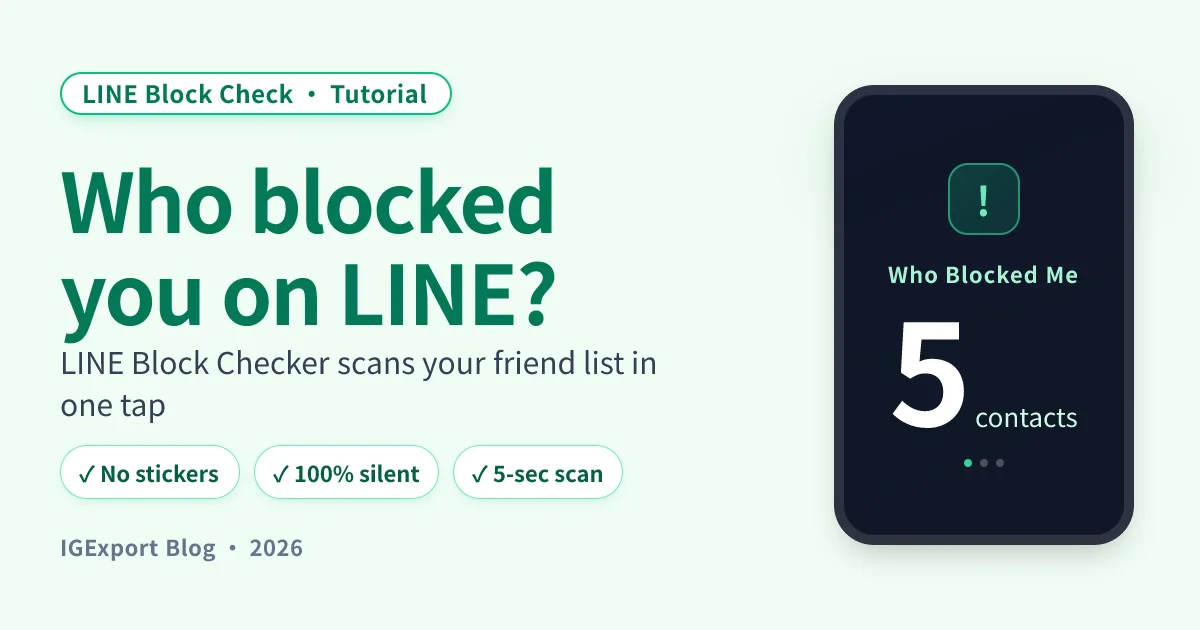
Unblocking only handles the "I blocked them" side. To find out who blocked you, LINE Block Checker signs into your LINE account and scans your full friend list in 5 seconds — direct list of everyone who blocked you, no manual testing needed.

Full step-by-step: LINE Block Checker tutorial
Frequently Asked Questions
How do I unblock someone on LINE?
Open LINE → Home → top-right gear → Privacy → Blocked List → tap Edit next to the name → Unblock. The contact gets no notification through any of this.
Will I see messages they sent during the block period after I unblock?
No. LINE drops blocked messages immediately rather than queuing them, so anything sent during the block period never gets redelivered — you only see new messages from the moment of unblocking forward.
Does unblocking notify the other person? Will they know I briefly blocked them?
No. LINE doesn't notify on block or on unblock — they have no way of knowing you ever briefly blocked them. But if they tried to reach you during the block and noticed messages stuck on "unread" forever, they may have already suspected.
Can I unblock myself if they blocked me?
No. There's no LINE feature that lets you remove their block on you — that's their setting, only they can lift it. Your options are switching channels or waiting them out.
After unblocking, is the contact still in my friend list?
Yes. LINE block doesn't remove the contact from your friend list — it only filters their messages and VOOM. So the contact stays in your list throughout, and after unblocking everything goes back to its pre-block state.
What's the difference between unblocking and deleting a friend?
Block: contact stays in your list; both sides' messages and VOOM are filtered. Delete friend: contact disappears from your list, but they can still send messages to you (you just don't see them). See LINE block vs delete friend.
Can I bulk-unblock multiple contacts at once?
No bulk unblock. Every contact in the Blocked List has to be unblocked one at a time via Edit → Unblock. If you have a long list to clear, it's manual.
Complete guide
For the bigger picture — all detection methods, Q&A, every block scenario — start with the pillar:
Related reading
- Download LINE Block Checker — one-tap, anonymous detection of who blocked you
- LINE Block Checker step-by-step tutorial — every screen of the app explained
- Does the other person know when you block them on LINE?
- What it looks like when you call someone who blocked you on LINE
- LINE block vs delete friend: what's the difference
- Is there any recovery after being blocked on LINE?